
Have you set up a new company and spent months designing a website? But even after weeks, it still can’t be found in the Google search engine results? The most likely cause is the missing indexing of your page. This is not uncommon: it often happens that entire websites or individual sub-pages do not appear in the Google index.
We will tell you what the reasons for a missing indexation can be and why an indexation is important. You will also learn what is behind the term SERP indexation and how you can get your page indexed. So that your new business quickly gains reach!

What is the index?
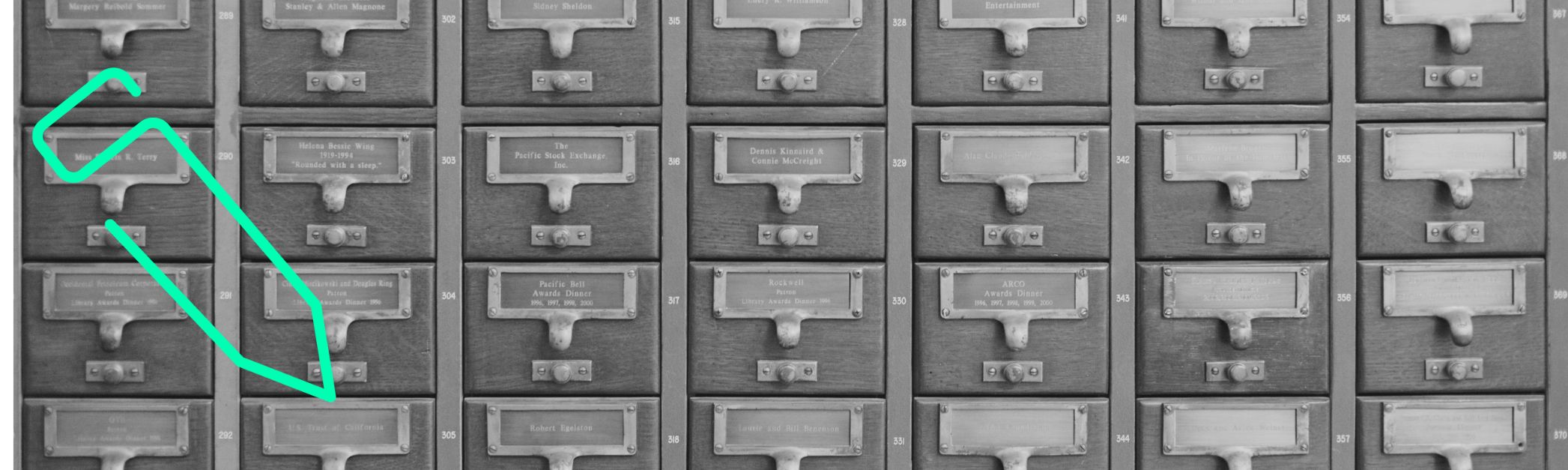
You know the term “index” from books and magazines. It is a list of keywords and matching page numbers.
Google’s index contains the entirety of all websites crawled by the search engine, stored and thus indexed. Unlike conventional registers, the Google index is constantly changing as new websites are added and existing ones are removed. In addition, Google structures its index not only alphabetically, but also according to ranking criteria. These can change at any time – the company does not reveal exactly which criteria it uses. Nevertheless, certain requirements are known that you can use to optimize the ranking of your website in the Google search engine. This is precisely why indexing your website is so important for high traffic and subsequent new customer acquisition.
Because only with a high-quality SERP indexing do you appear in Google’s search engine for corresponding research queries. The abbreviation SERP stands for “Search Engine Result Page” and thus for the page on which you are listed for certain keywords. Only indexed pages are considered. If you are not in Google’s index, you will not get a ranking. Let’s take a closer look at how the internet company works.
How does Google fill its index?
Googlebot, Google’s web spider, is constantly scouring the internet for new or revised websites using links. The robot is also known as a crawler, and the search process as crawling. When it comes across new content, it reads the source code and sends it to the index. The website is then placed in the ranking according to relevance. When users enter their search query, it can be found on the search results pages.
The inclusion of new websites can take one to two days, but also take several weeks. However, if you still cannot be found in the SERP indexing, this may be for the following reasons:
- You have accidentally suppressed your indexing
- Your URL lacks internal or external links
- Your content is duplicated with that of another website (“duplicate content”)
- Your website violates the Google Search Fundamentals
- You have not correctly canonized your content
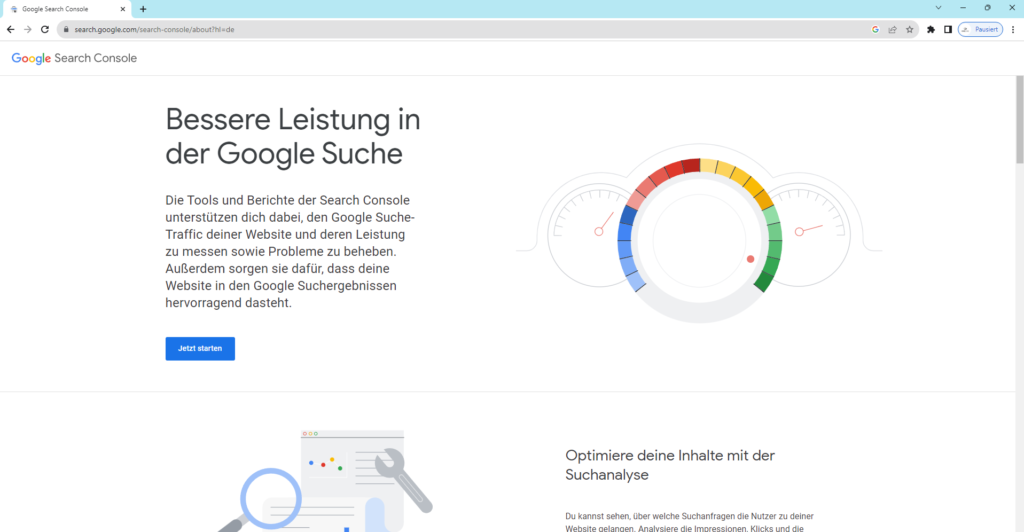
First of all, make sure that your site has not been indexed by Google and find out the reasons. To do this, go to Search Console, formerly known as Google Webmaster Tools. This free search engine tool helps you manage your website in the Google database. To register, simply enter your e-mail address. Now enter your desired URL. You can find out everything about your indexing and possible problems under “Indexing – Pages”. If your website is not indexed without apparent reason, ask Google to check your URL immediately.
Getting a page indexed: How to get your page into the Google index!
If Google doesn’t automatically include your website in its SERP indexing, there’s no need to worry. You have three options for getting your page indexed by Google.
- The first option doesn’t guarantee indexing, but it’s so simple that it’s still worthwhile: you request indexing from Google via .
- You can be on the safe side by submitting your website name using the URL check tool. You can find this in the Search Console. After entering your website URL, click on the “Request indexing” button. Google will then check your website and include it in the SERP indexing.
- You create a sitemap in.xml format and send it to Google via your Google Search Console. With the structured list of all subpages of your main URL, you make it easier for the Google crawler to systematically navigate your entire website. Within 24 hours, the Googlebot crawls the URL specified in your sitemap. And then inserts your website according to its content and technical structures at the appropriate place in the SEPR indexing.
Note: You can also have individual pages indexed. To do this, click on “Crawling” and “Fetch as Google” in your Search Console. Shortly afterwards, you will be given the opportunity to send the URL of your desired subpage to the Google index.
Finally, we’ll give you some tips on how to avoid a delay in your indexing from the outset.
- Submit your URL multiple times. You can submit a maximum of ten indexing requests per day via Google Search Console.
- Your crawl budget determines the frequency and intensity of the search of your website and often overlooks sub-pages, especially with very large sites. Optimize it by avoiding duplicate content, pointing to important sub-pages using canonical tags and ensuring faster loading times.
- Avoid technical problems such as faulty redirects, hosting service failures, broken links or server problems.
- Use the “Noindex” and “Index” meta tags to tell Google which pages should be indexed.
- Use the “lastmod” tag in your sitemap to indicate updated content.
- Create only relevant and valuable content.